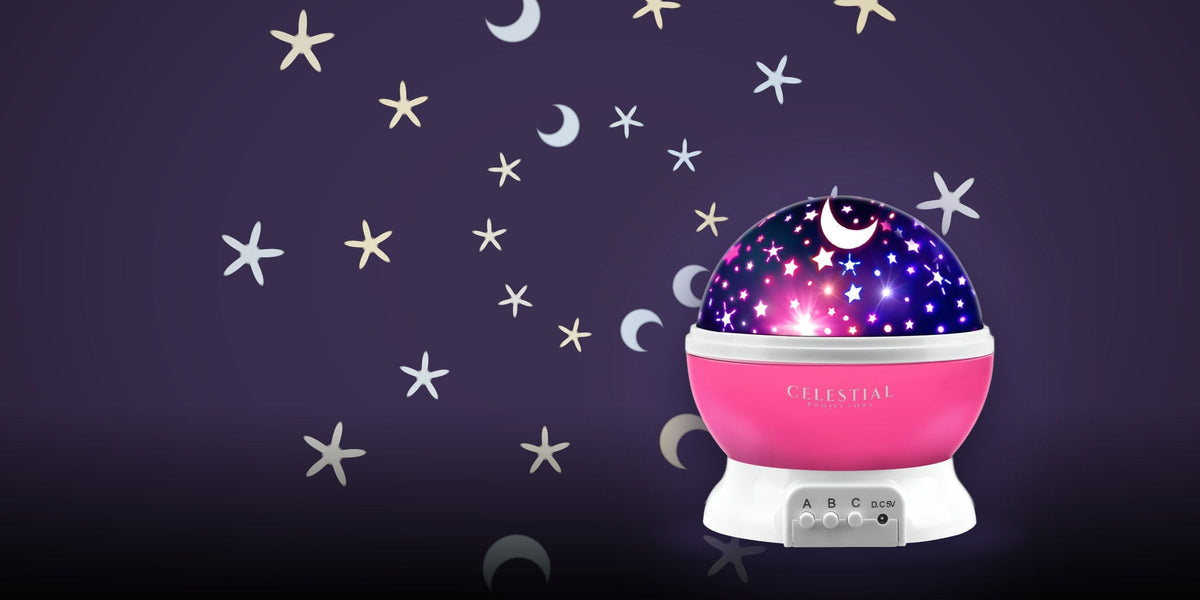
A galaxy projector can make the room feel ready for movie night before the opening credits begin. Keeping it enjoyable once the film starts takes a little more thought. The ceiling can carry the atmosphere while the screen remains easy to watch.
Start with a simple goal: a setting that looks good from the sofa and lets you pay attention to the film. A bright, fast-moving display that looks impressive in an empty room may feel very different after you sit down for two hours.
Choose where the light belongs
Look at the room from your usual seat before placing the projector. Pick a patch of ceiling or a side wall that sits comfortably outside the main screen area. You do not need to cover every surface. A smaller area of light can give the room a clear mood without making it visually busy.
Keep the effect off the television or projection screen. Also look for reflections in the television, glazed pictures and other shiny surfaces. If you see the light source or moving pattern reflected in the picture, try a different position or angle rather than immediately changing the TV settings.
A decorative galaxy projector creates room lighting. It does not play the movie itself. If you use a separate video projector, give its screen and beam path particular attention and compare the picture with the decorative lighting both on and off.
Use two settings for two parts of the evening
The room does not have to keep the same look all night. You might enjoy a more colorful, moving display while choosing a film or chatting beforehand, then switch to a quieter setting when the story begins.
Make the change simple enough to do from your seat. Keep the projector's remote beside the TV remote, and learn which control changes brightness, movement or color on your model. If it offers separate effect controls, try the clouds alone before adding another layer.
Our Galaxy Star Projector with remote control lists brightness and lighting-mode controls, plus one- and two-hour timers. Check the current product details and the supplied instructions for the exact functions. Different projectors offer different combinations of controls.
Begin dim, then compare
Choose a single color or restrained combination and start at a low brightness setting if your model offers one. Sit in the usual viewing position and play a familiar scene. You are checking the whole experience, not just whether the ceiling looks striking.
Use a scene with some dark areas, then one with dialogue or subtitles. Can you follow what is happening without repeatedly looking up? Does the effect appear reflected on the screen? If the room lighting draws your attention away, reduce it, redirect it or switch it off for the film.
There is no brightness percentage that suits every room. Screen finish, furniture, wall color, projector position and personal preference all affect the result. A short on-and-off comparison in your own space is more useful than copying a setting from someone else's photo.
Keep motion and sound deliberate
Slow movement may suit the room better than rapid cycling. If your projector has a stationary setting, compare that as well. Leave flashing or sound-reactive effects off during the film when you want a less changeable background.
A projector with a built-in speaker does not have to handle the soundtrack. Choose one audio system for the movie and keep the decorative projector's music function off unless you specifically want it. This also avoids wondering which device a phone has connected to when someone starts playing a clip.
For a group, ask about the lighting before the film starts. Someone may prefer no moving light at all. A remote within reach makes a small adjustment easy and avoids turning the setup into a project halfway through the evening.
Check the placement before darkening the room
Use a stable surface and the power arrangement specified for your projector. Place the cable where people will not have to step over it on the way to their seats. Keep refreshments separate from the device, and make sure normal room lighting remains easy to reach.
If the projector uses lasers, follow its labeling and instructions. The FDA's laser guidance warns against directing lasers at people or animals and highlights hazards from reflective surfaces. Do not look into the aperture or aim the beam across seating, mirrors or other shiny objects. A decorative effect is no reason to ignore the device's safety directions.
Save the setup you actually enjoy
Once you find a useful position, note the surface, angle and settings. A quick photo taken with the room lights on can help you put the device back without repeating the entire experiment. If you use an auto-off timer, choose it deliberately; a two-hour film and a two-hour timer may start at different moments.
The last test is easy: watch the opening scene. If you settle into the story and enjoy the room around it, the setup is doing its job. Keep the brighter ceiling show for the moments when the room itself is the main event.